 AI 3D Tools
3D Rigging & Animation
Generate an automatic skeleton and supported preset human animations for compatible 3D characters via fal Rigging, and play every archived GLB clip in the viewer.
This step only. Failed generation releases reserved credits.
Introduction
3D Rigging & Animation
Generate an automatic skeleton and supported preset human animations for compatible 3D characters via fal Rigging, and play every archived GLB clip in the viewer.
Choose a matching body template & skinning
Select Auto, Human, Quadruped, Bird, Dragon or Kaiju skeleton templates with Shell or Core skinning for characters with clearly separated limbs.
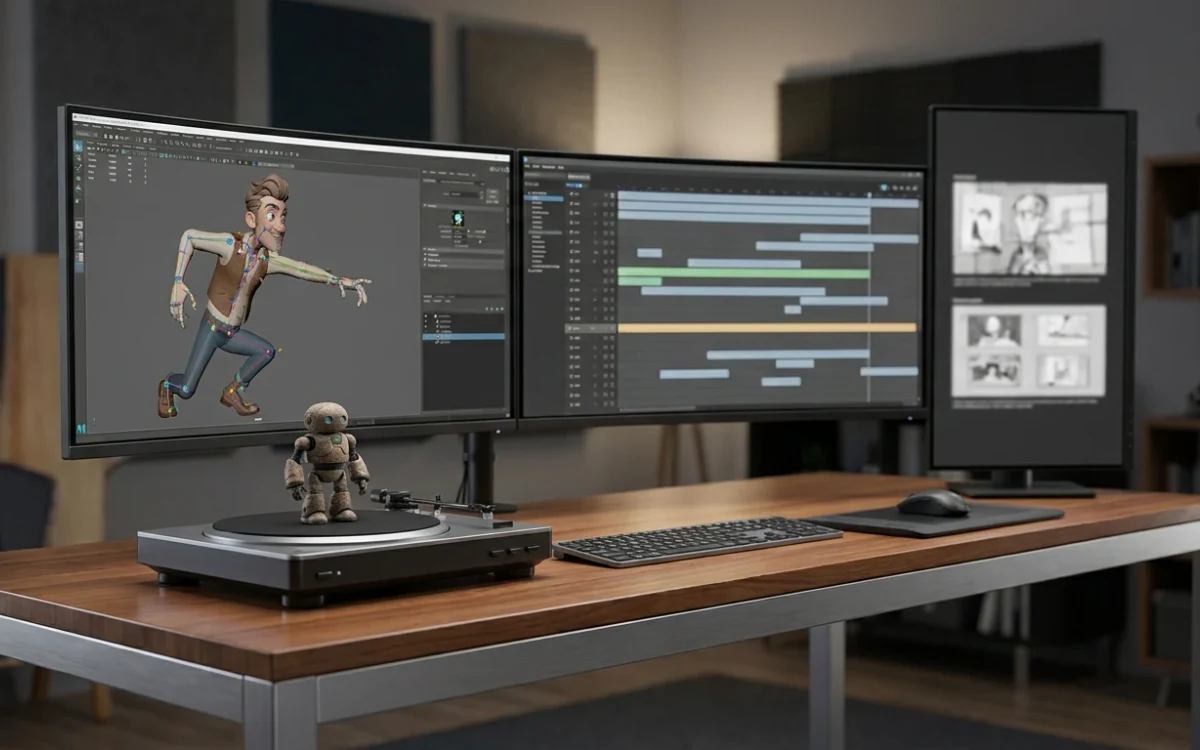
How to use
How to auto-rig & animate a 3D character
Generate a clean skeleton and looping preset motions in one place—no external Mixamo round-trip needed.
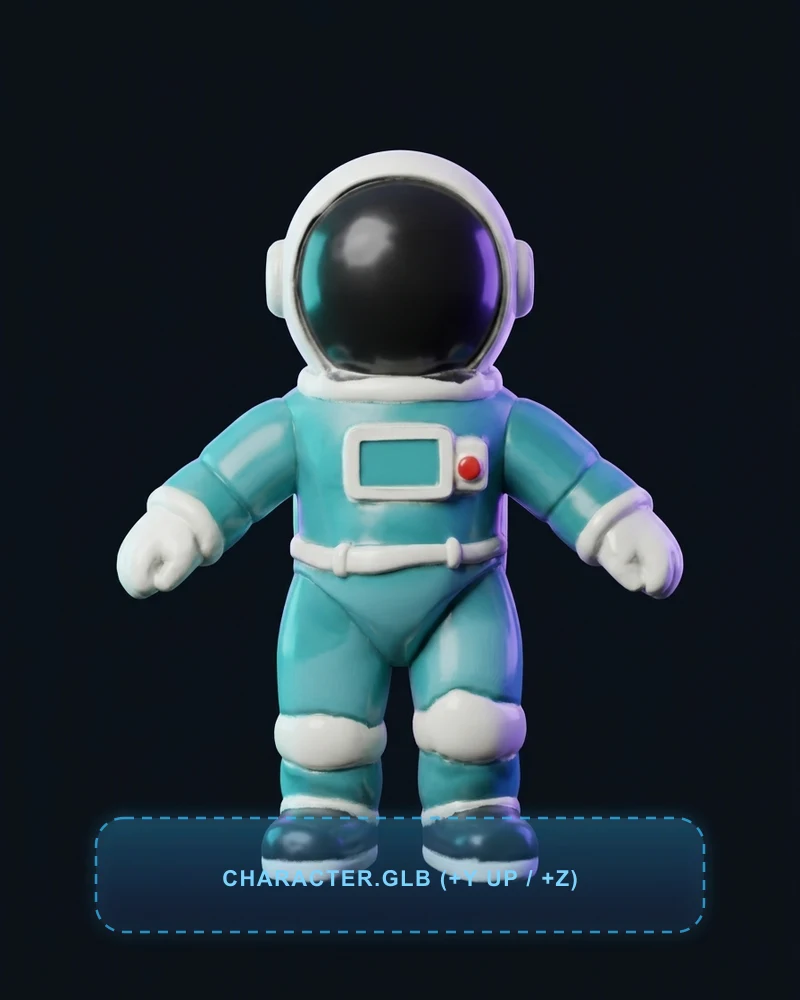 A-POSE +Y/+Z
Prepare an upright character GLB
Load a humanoid or creature GLB with separated limbs facing +Z with +Y up. Need to fix orientation first? Calibrate it in 3D Editor for 0 credits.
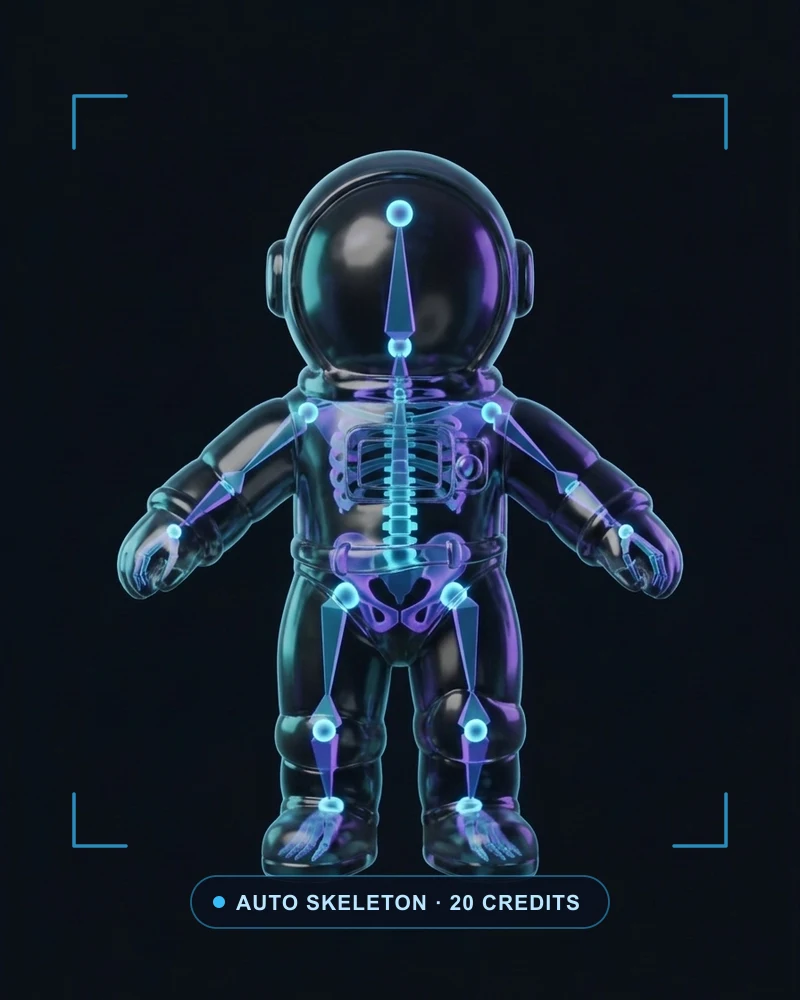 RIGGING · 20 CR
Pick body template & run auto-rig
Choose Auto, Human, Quadruped, Bird, Dragon or Kaiju with Shell or Core skinning. Human rigs can also bundle built-in Walking and Idle motion clips (20 credits).
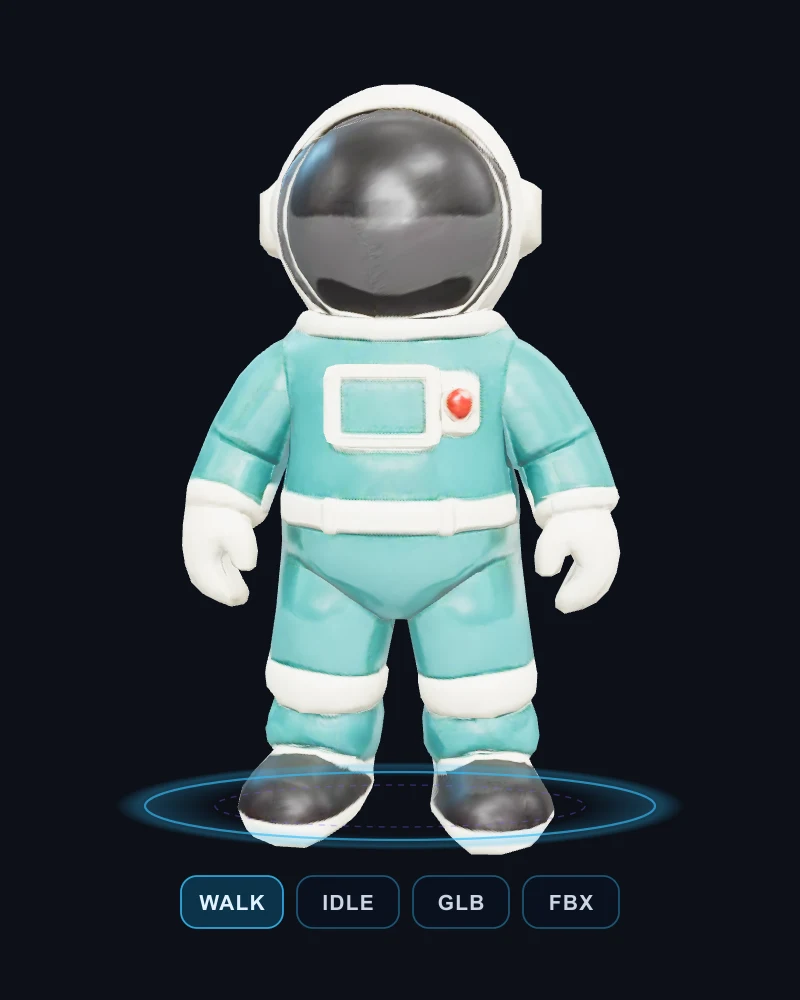 PLAY & EXPORT
Preview animations & download
Play, pause and switch animation clips directly in the 3D viewer, then export the rigged and animated package as GLB, FBX or USDZ for your engine.
Features
Built-in human preset animation clips
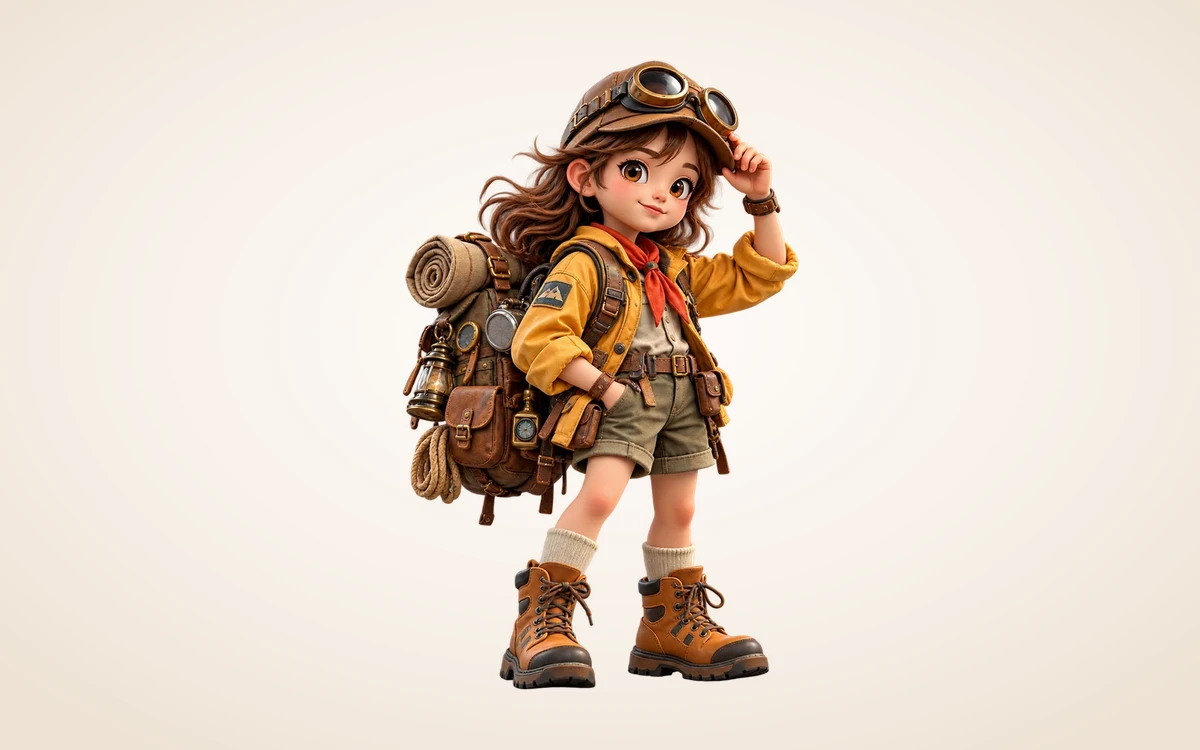
With the Human template selected, bundle supported looping preset motions such as Walking and Idle—all archived alongside the base rigged GLB.
Play & inspect clips before downloading
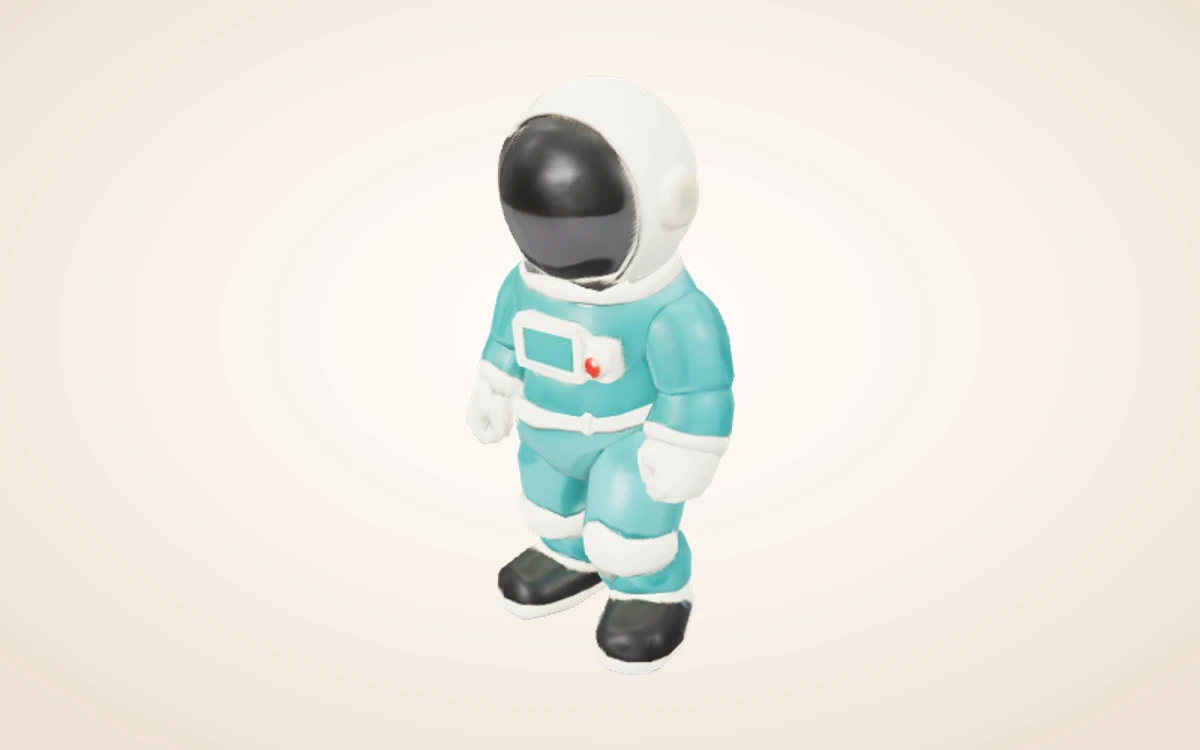
Switch between source, rigged rest pose and animated GLBs right inside the shared viewer and export GLB, FBX or USDZ.
Workflow examples
Illustrative ways to plan, generate, and review your work.
3D Model workflow examples
Choose a matching body template & skinning
Select Auto, Human, Quadruped, Bird, Dragon or Kaiju skeleton templates with Shell or Core skinning for characters with clearly separated limbs.
Built-in human preset animation clips
With the Human template selected, bundle supported looping preset motions such as Walking and Idle—all archived alongside the base rigged GLB.
Play & inspect clips before downloading
Switch between source, rigged rest pose and animated GLBs right inside the shared viewer and export GLB, FBX or USDZ.
3D Model Pricing and Credit Plans
Cancel anytime
All 3D, image, video and creative tools share universal Credits (1 US cent = 1 credit). Exact quotes appear before every submission, and failed runs automatically release reserved credits. Local 3D viewing and exports use 0 credits.
Pay once annually; receive 1/12 of your annual Credits each month. The first allocation arrives after payment, then monthly. Tax included. Each allocation expires at the next subscription month or paid-year end.
Lite
50% off0.025 / credit
$14.9/month equivalent · Billed $179· Save $179.8
Annual total: 7,200 credits, issued monthly
Video Models


Image Models


- Includes MiniMax H3 and all premium models
- Up to 1 batch generation task
- Standard generation speed
- Standard generation success rate
- Standard customer support
- Commercial Use License
Standard
50% off0.017 / credit
$24.9/month equivalent · Billed $299· Save $299.8
Annual total: 18,000 credits, issued monthly
Video Models
Image Models
- Includes MiniMax H3 and all premium models
- Up to 4 batch generation tasks
- Priority processing speed
- High generation success rate
- Priority customer support
- Commercial Use License
Pro
50% off0.014 / credit
$49.9/month equivalent · Billed $599· Save $599.8
Annual total: 43,200 credits, issued monthly
Video Models
Image Models
- Includes MiniMax H3 and all premium models
- Up to 10 batch generation tasks
- Fastest generation speed
- High generation success rate
- Dedicated account manager
- Commercial Use License
Max
50% off0.012 / credit
$99.9/month equivalent · Billed $1,199· Save $1,199.8
Annual total: 96,000 credits, issued monthly
Video Models
Image Models
- Includes MiniMax H3 and all premium models
- Up to 10 batch generation tasks
- Fastest generation speed
- High generation success rate
- Dedicated account manager
- Commercial Use License
Pay safely and securely with























FAQ
Frequently asked questions
How are credits charged?
Each generation or processing step shows an exact quote before submission (e.g. Rodin Fast 10 credits, Standard 40 credits, BANG/Texture/PolyGen 15 credits, Rigging 20 credits). Failed runs automatically release reserved credits. Browser viewing, transforms and local exports use 0 generation credits.
What files can I continue editing?
Use a self-contained GLB smaller than 100 MB for further AI processing. Saved versions stay in your Assets library with all archived output dependencies.
What are the practical limits?
Input characters should face +Z with +Y up (calibrate in Editor first if needed). Preset animations apply to the Human template; arbitrary motion capture retargeting is not included.
CTA
Give your next idea a 3D shape
Generate an automatic skeleton and supported preset human animations for compatible 3D characters via fal Rigging, and play every archived GLB clip in the viewer.
Start creating