 AI 3D Tools
Smart Low Poly
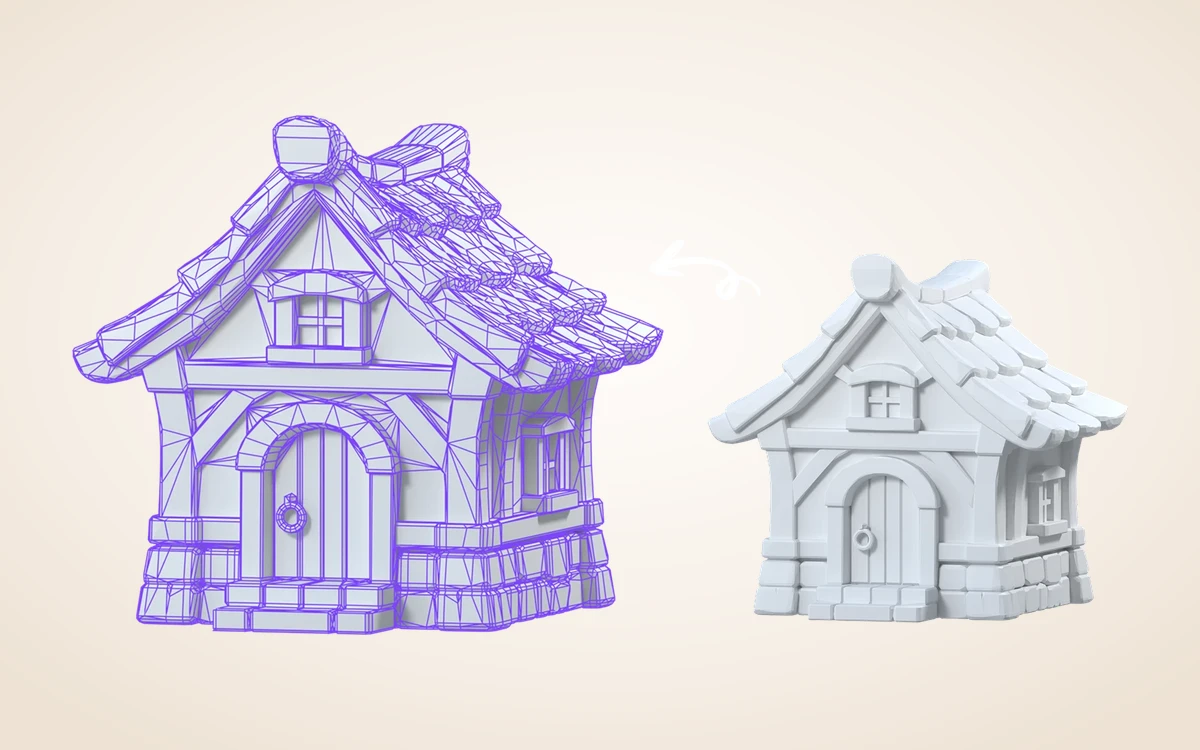
Simplify heavy 3D meshes with PolyGen. Set an approximate polygon budget and topology mode, transfer PBR textures and compare wireframes against your high-poly source.
This step only. Failed generation releases reserved credits.
Introduction
Smart Low Poly
Simplify heavy 3D meshes with PolyGen. Set an approximate polygon budget and topology mode, transfer PBR textures and compare wireframes against your high-poly source.
Flexible polygon budgets for real-time scenes
Choose an approximate target between 200 and 10,000 faces. Inspect wireframe density immediately in the viewer before bringing the asset into game or web engines.
How to use
How to optimize a mesh to smart low poly
Reduce heavy 500K-triangle meshes down to game-ready counts with PolyGen while keeping your original master.
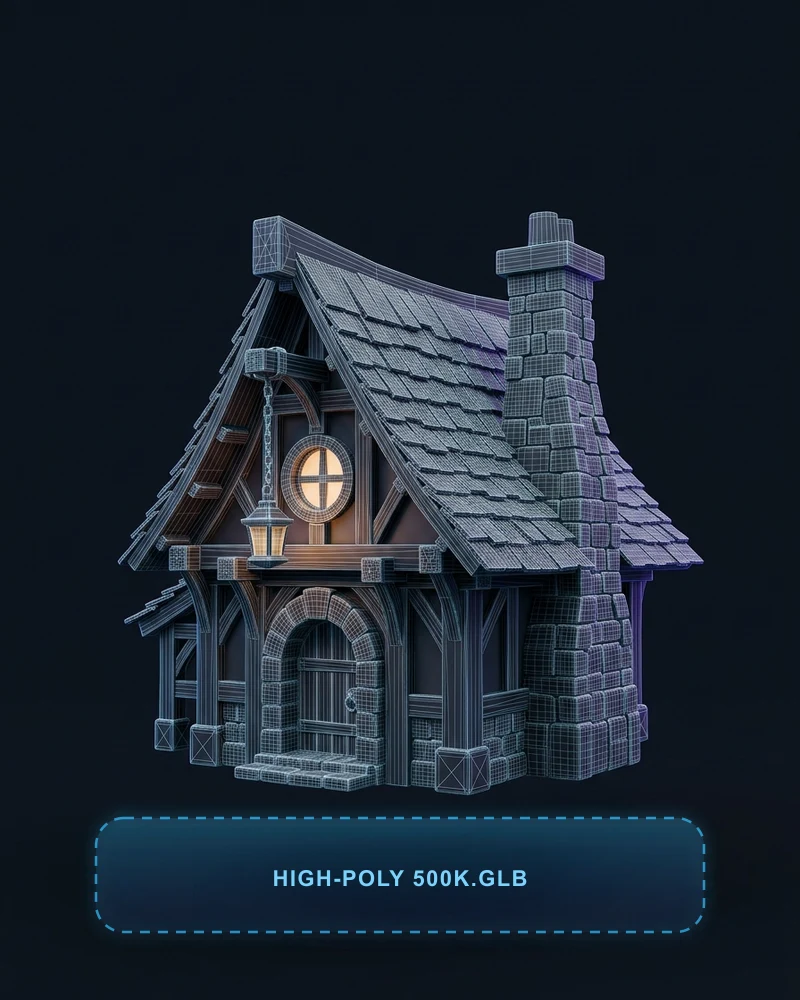 HIGH-POLY INPUT
Select a heavy 3D model
Pick a high-detail Rodin generation or drop any self-contained GLB under 100 MB. Check its starting triangle count right inside the viewport telemetry.
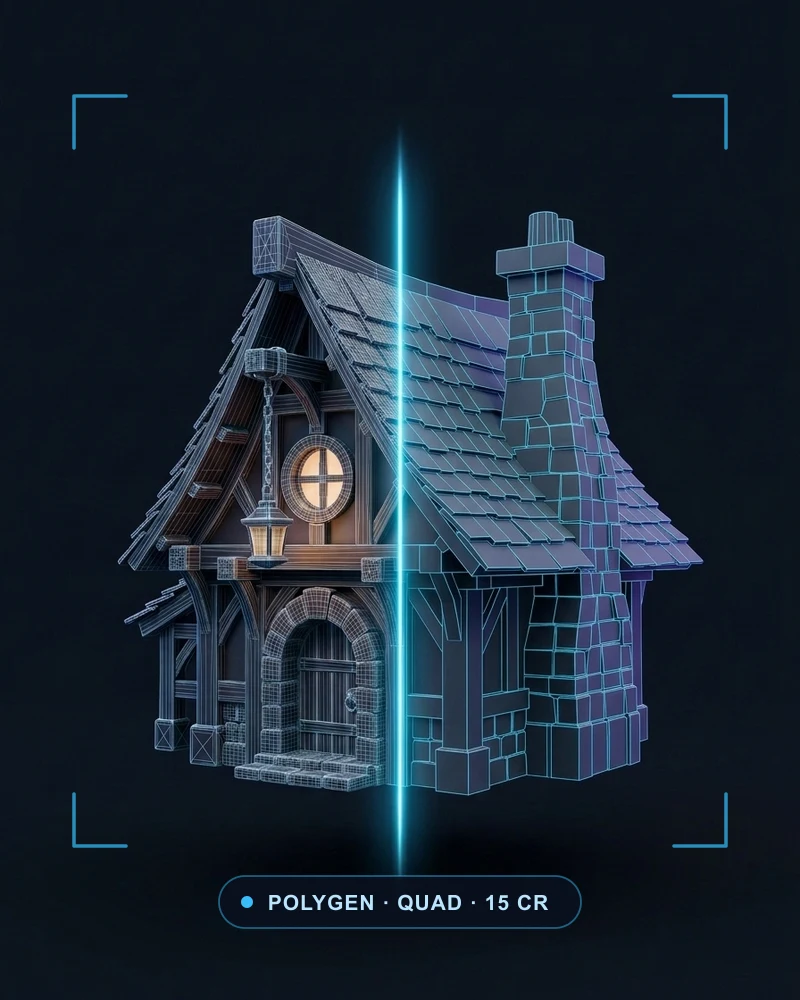 POLYGEN · 15 CR
Set face target & topology
Choose an approximate budget from 200 to 10,000 faces, pick Quad, Raw or NGon topology and enable PBR texture transfer before submitting (15 credits).
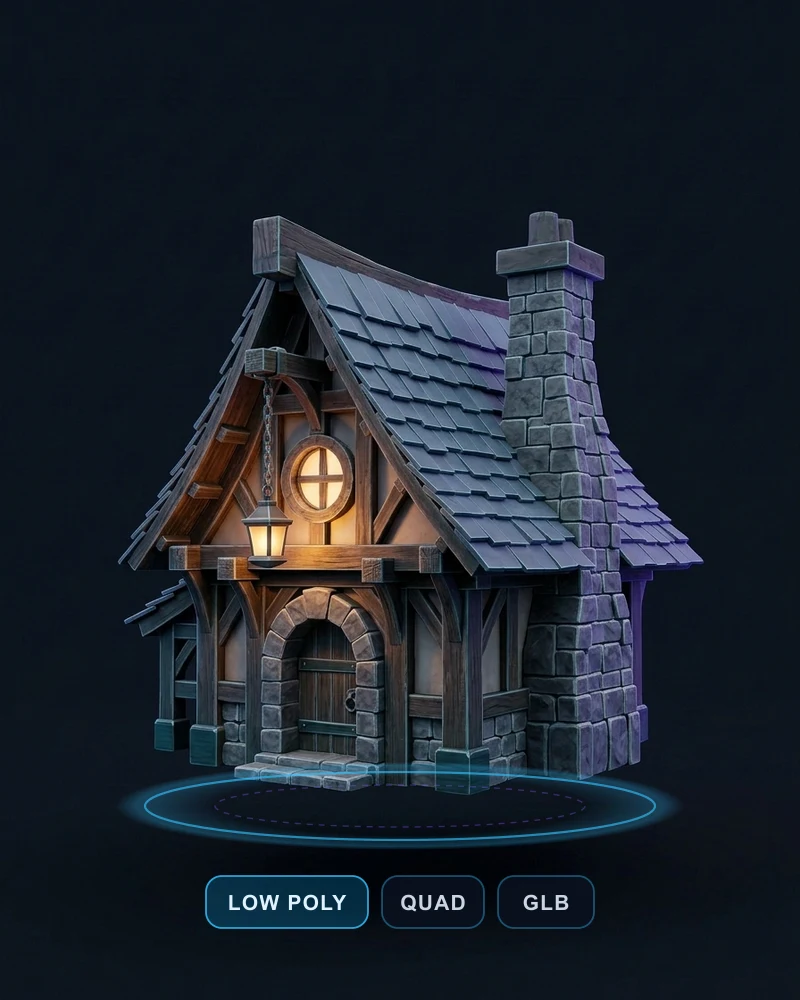 WIREFRAME CHECK
Compare wireframe & export GLB
Toggle Wireframe and compare the lightweight branch directly against your high-poly master, then download the game- and web-ready GLB.
Features
Quad, Raw or NGon topology with texture transfer
Select your preferred mesh mode and optionally transfer textures onto the simplified surface. Shaded and PBR GLB outputs are archived together.
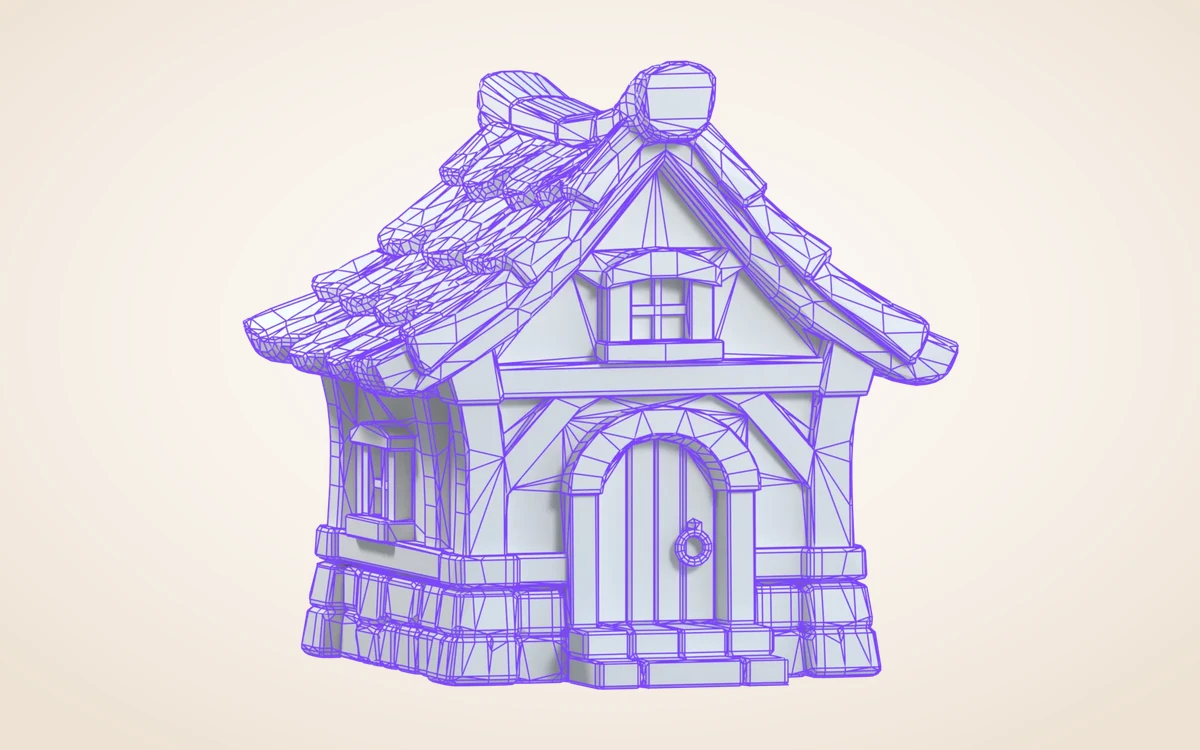
Keep high-poly source & lightweight branch
Compare your 500K-triangle source against a 3.5K-triangle low-poly branch side by side without losing access to the detailed master.
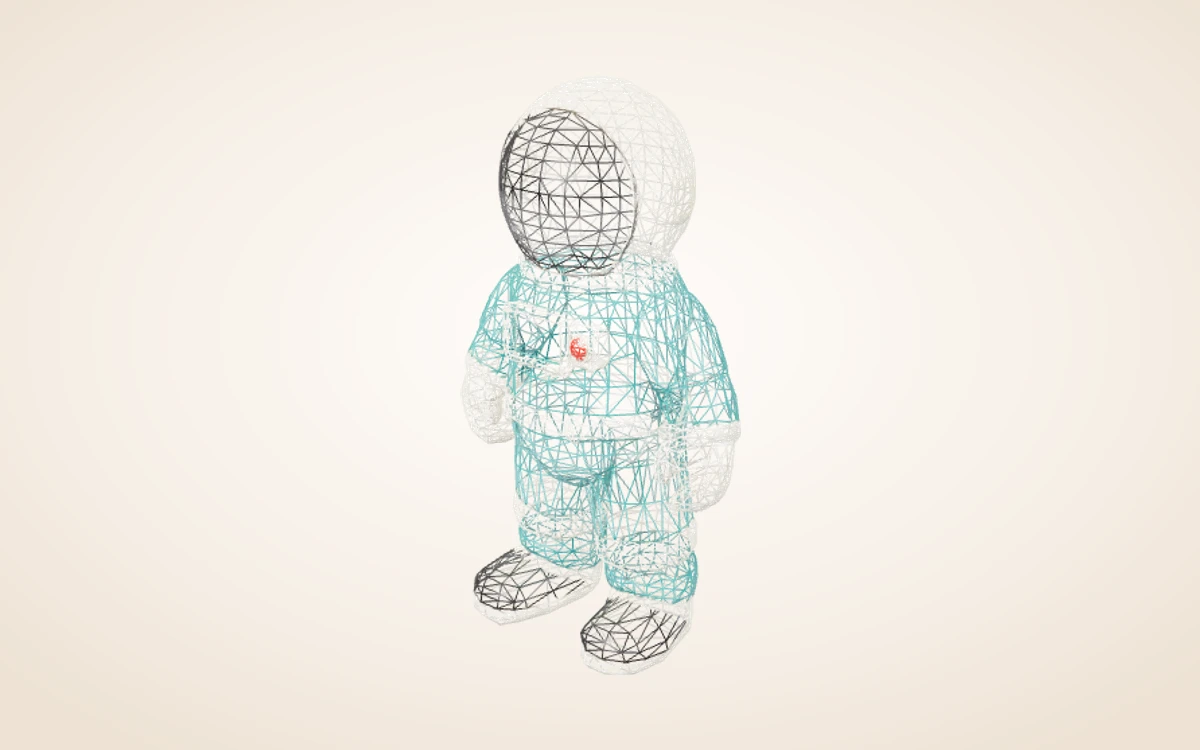
Workflow examples
Illustrative ways to plan, generate, and review your work.
3D Model workflow examples
Flexible polygon budgets for real-time scenes
Choose an approximate target between 200 and 10,000 faces. Inspect wireframe density immediately in the viewer before bringing the asset into game or web engines.
Quad, Raw or NGon topology with texture transfer
Select your preferred mesh mode and optionally transfer textures onto the simplified surface. Shaded and PBR GLB outputs are archived together.
Keep high-poly source & lightweight branch
Compare your 500K-triangle source against a 3.5K-triangle low-poly branch side by side without losing access to the detailed master.
3D Model Pricing and Credit Plans
Cancel anytime
All 3D, image, video and creative tools share universal Credits (1 US cent = 1 credit). Exact quotes appear before every submission, and failed runs automatically release reserved credits. Local 3D viewing and exports use 0 credits.
Pay once annually; receive 1/12 of your annual Credits each month. The first allocation arrives after payment, then monthly. Tax included. Each allocation expires at the next subscription month or paid-year end.
Lite
50% off0.025 / credit
$14.9/month equivalent · Billed $179· Save $179.8
Annual total: 7,200 credits, issued monthly
Video Models


Image Models


- Includes MiniMax H3 and all premium models
- Up to 1 batch generation task
- Standard generation speed
- Standard generation success rate
- Standard customer support
- Commercial Use License
Standard
50% off0.017 / credit
$24.9/month equivalent · Billed $299· Save $299.8
Annual total: 18,000 credits, issued monthly
Video Models
Image Models
- Includes MiniMax H3 and all premium models
- Up to 4 batch generation tasks
- Priority processing speed
- High generation success rate
- Priority customer support
- Commercial Use License
Pro
50% off0.014 / credit
$49.9/month equivalent · Billed $599· Save $599.8
Annual total: 43,200 credits, issued monthly
Video Models
Image Models
- Includes MiniMax H3 and all premium models
- Up to 10 batch generation tasks
- Fastest generation speed
- High generation success rate
- Dedicated account manager
- Commercial Use License
Max
50% off0.012 / credit
$99.9/month equivalent · Billed $1,199· Save $1,199.8
Annual total: 96,000 credits, issued monthly
Video Models
Image Models
- Includes MiniMax H3 and all premium models
- Up to 10 batch generation tasks
- Fastest generation speed
- High generation success rate
- Dedicated account manager
- Commercial Use License
Pay safely and securely with





















FAQ
Frequently asked questions
How are credits charged?
Each generation or processing step shows an exact quote before submission (e.g. Rodin Fast 10 credits, Standard 40 credits, BANG/Texture/PolyGen 15 credits, Rigging 20 credits). Failed runs automatically release reserved credits. Browser viewing, transforms and local exports use 0 generation credits.
What files can I continue editing?
Use a self-contained GLB smaller than 100 MB for further AI processing. Saved versions stay in your Assets library with all archived output dependencies.
What are the practical limits?
Target face count is approximate, not a strict cap. Quad topology may include mixed triangles. OBJ outputs may omit an MTL material package; GLB is recommended.
CTA
Give your next idea a 3D shape
Simplify heavy 3D meshes with PolyGen. Set an approximate polygon budget and topology mode, transfer PBR textures and compare wireframes against your high-poly source.
Start creating