 AI 3D Tools
Text to 3D
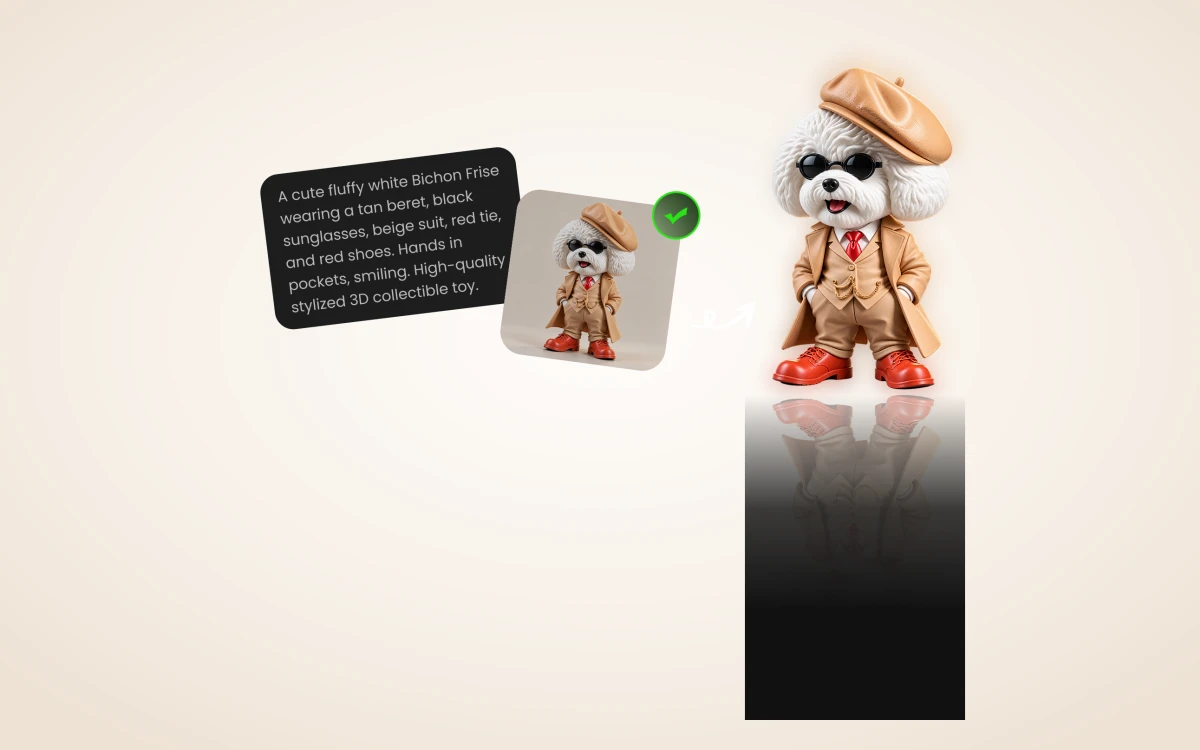
Describe a complete object, its proportions and surface finish to generate a 3D model directly with Rodin 2.5, or confirm a 2D concept image first before converting to 3D.
This step only. Failed generation releases reserved credits.
Introduction
Text to 3D
Describe a complete object, its proportions and surface finish to generate a 3D model directly with Rodin 2.5, or confirm a 2D concept image first before converting to 3D.
Describe silhouette and material clearly
Name one complete object, its major proportions, pose and material. Bounded single-object descriptions produce cleaner geometry than entire crowded scenes.
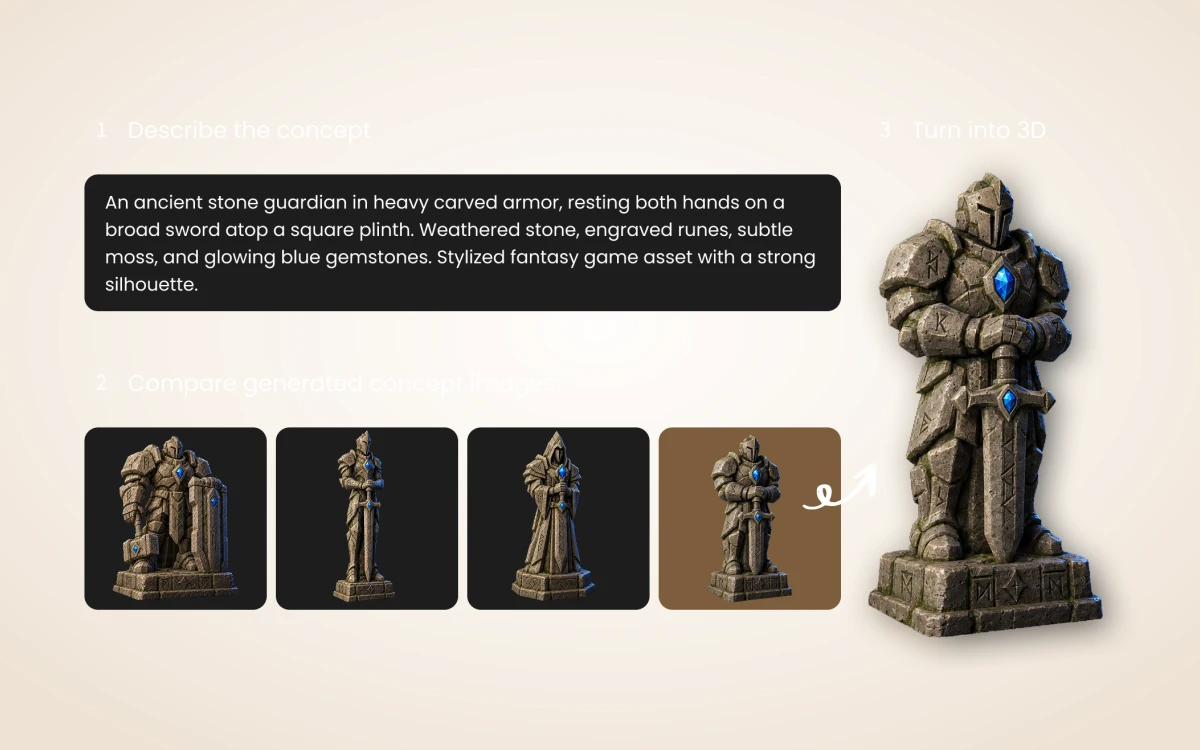
How to use
How Text to 3D works on 3D Model
Generate a 3D draft directly from text, or confirm a 2D concept image first before spending 3D credits.
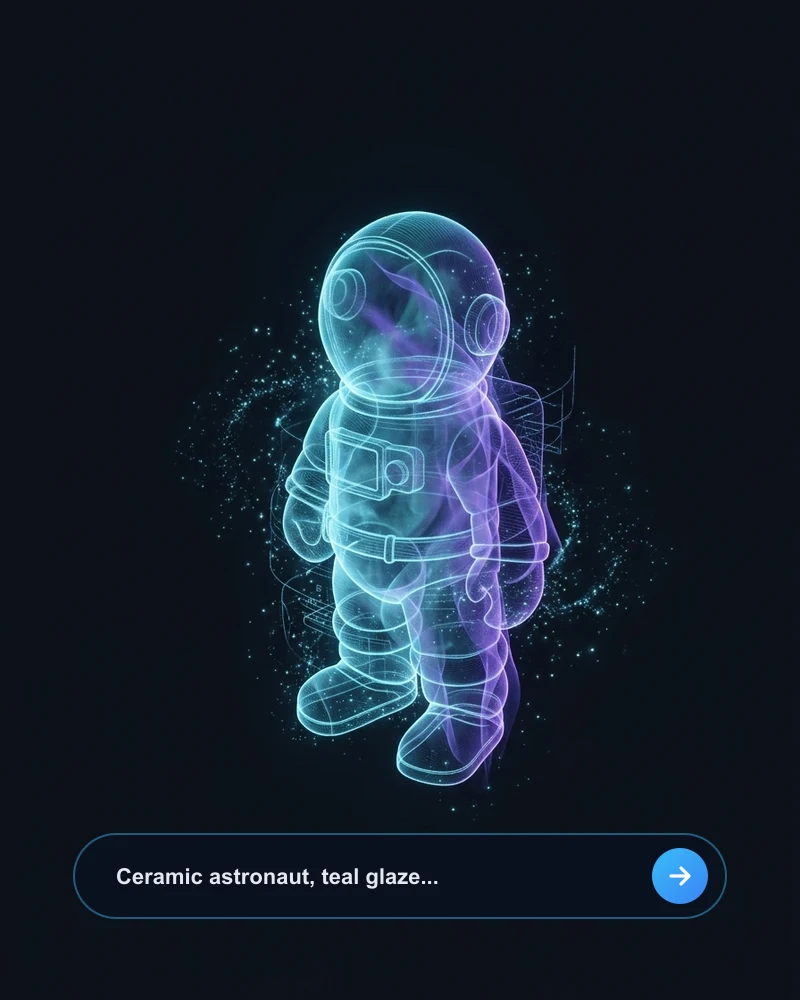 SINGLE OBJECT
Describe one clear object
Write a focused prompt covering silhouette, pose and material—like a glazed ceramic astronaut or wooden lamp—rather than a crowded multi-object scene.
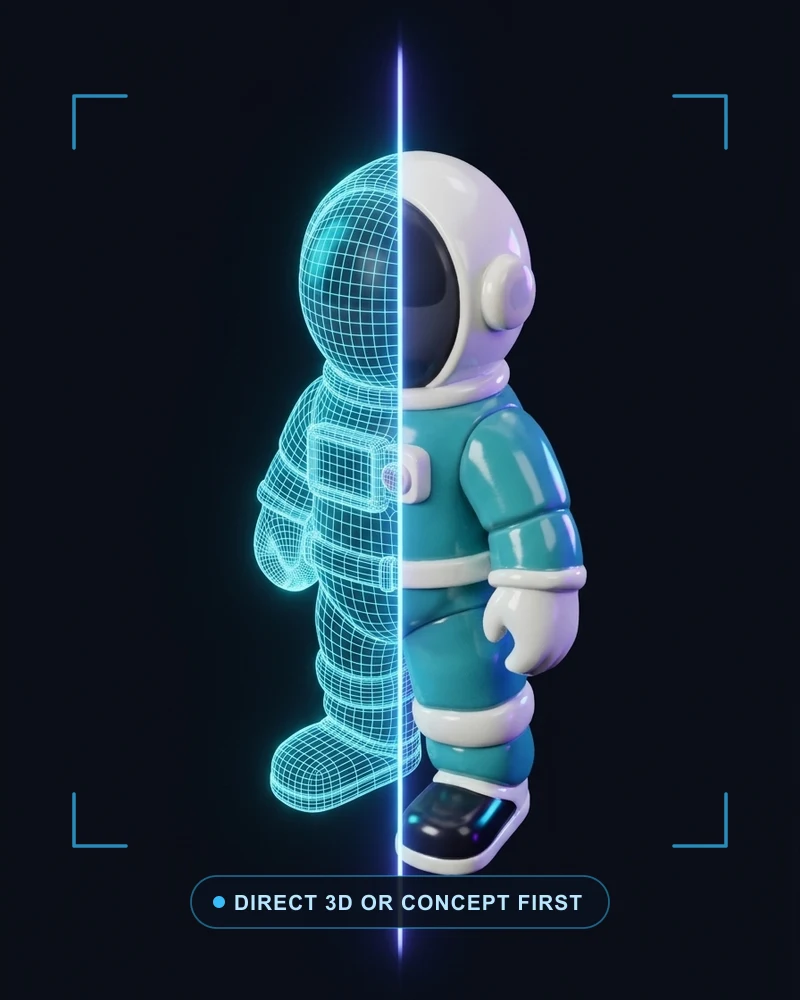 DIRECT OR 2-STEP
Generate directly or draft a concept
Submit directly with Rodin 2.5 Fast (10 credits) or Standard (40 credits), or switch to Concept Image First to lock your design in Image Studio first.
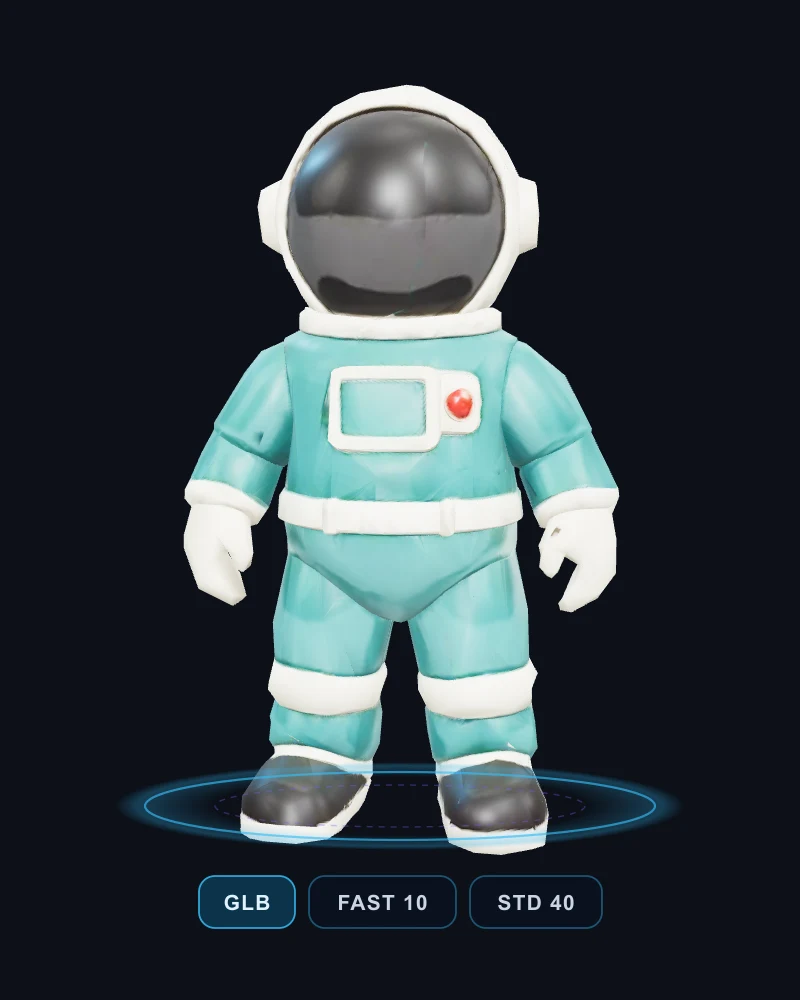 VERSIONED GLB
Inspect proportions & branch
Rotate the completed 3D mesh from every angle, save it in your Assets library, and branch into PBR retexturing, low-poly optimization or character rigging.
Features
Direct 3D or two-step concept confirmation
Generate a 3D mesh directly from text, or switch to Concept Image First to iterate on a 2D reference in Image Studio before committing 3D credits (each step quoted separately).
Scale from fast drafts to high detail
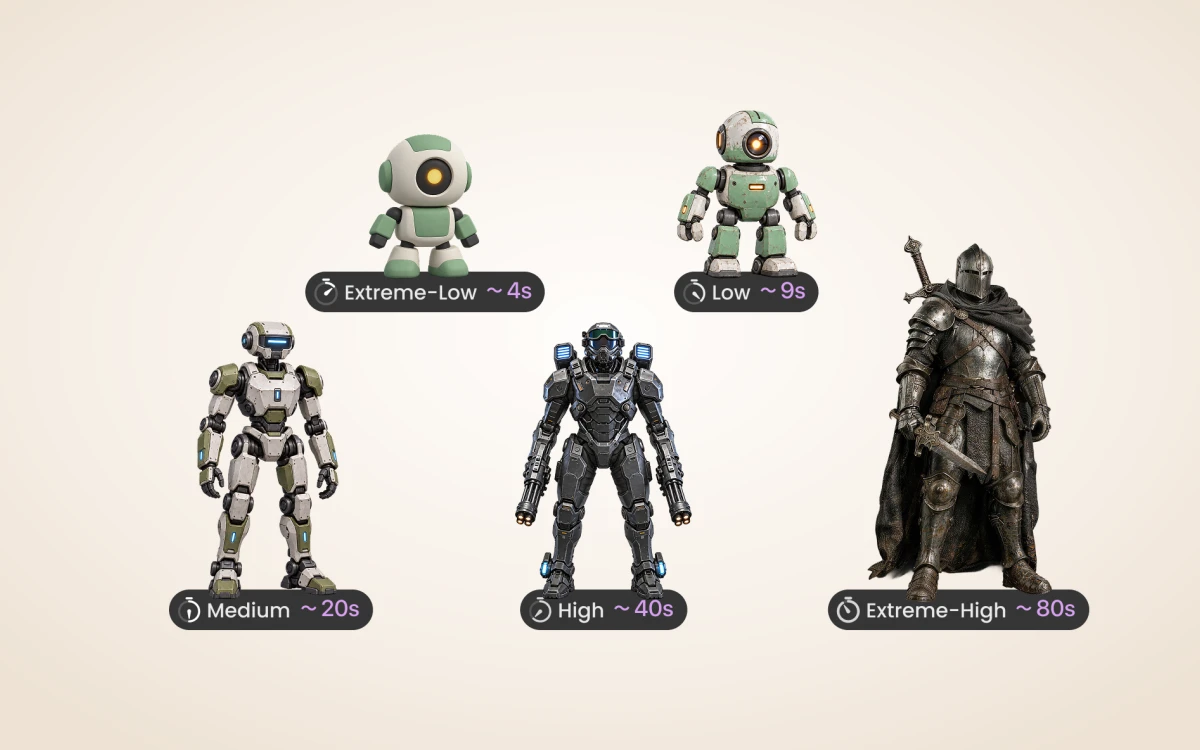
Switch seamlessly between Rodin 2.5 Fast (10 credits) for early blocking and Standard (40 credits) across five thinking effort tiers, keeping every completed version.
Example prompts
Ceramic astronaut
A small ceramic astronaut figurine, full body, teal glazed suit with ivory accents, dark reflective visor, standing pose, one complete isolated object, clean stylized geometry.
Workflow examples
Illustrative ways to plan, generate, and review your work.
3D Model workflow examples
Describe silhouette and material clearly
Name one complete object, its major proportions, pose and material. Bounded single-object descriptions produce cleaner geometry than entire crowded scenes.
Direct 3D or two-step concept confirmation
Generate a 3D mesh directly from text, or switch to Concept Image First to iterate on a 2D reference in Image Studio before committing 3D credits (each step quoted separately).
Scale from fast drafts to high detail
Switch seamlessly between Rodin 2.5 Fast (10 credits) for early blocking and Standard (40 credits) across five thinking effort tiers, keeping every completed version.
3D Model Pricing and Credit Plans
Cancel anytime
All 3D, image, video and creative tools share universal Credits (1 US cent = 1 credit). Exact quotes appear before every submission, and failed runs automatically release reserved credits. Local 3D viewing and exports use 0 credits.
Pay once annually; receive 1/12 of your annual Credits each month. The first allocation arrives after payment, then monthly. Tax included. Each allocation expires at the next subscription month or paid-year end.
Lite
50% off0.025 / credit
$14.9/month equivalent · Billed $179· Save $179.8
Annual total: 7,200 credits, issued monthly
Video Models


Image Models


- Includes MiniMax H3 and all premium models
- Up to 1 batch generation task
- Standard generation speed
- Standard generation success rate
- Standard customer support
- Commercial Use License
Standard
50% off0.017 / credit
$24.9/month equivalent · Billed $299· Save $299.8
Annual total: 18,000 credits, issued monthly
Video Models
Image Models
- Includes MiniMax H3 and all premium models
- Up to 4 batch generation tasks
- Priority processing speed
- High generation success rate
- Priority customer support
- Commercial Use License
Pro
50% off0.014 / credit
$49.9/month equivalent · Billed $599· Save $599.8
Annual total: 43,200 credits, issued monthly
Video Models
Image Models
- Includes MiniMax H3 and all premium models
- Up to 10 batch generation tasks
- Fastest generation speed
- High generation success rate
- Dedicated account manager
- Commercial Use License
Max
50% off0.012 / credit
$99.9/month equivalent · Billed $1,199· Save $1,199.8
Annual total: 96,000 credits, issued monthly
Video Models
Image Models
- Includes MiniMax H3 and all premium models
- Up to 10 batch generation tasks
- Fastest generation speed
- High generation success rate
- Dedicated account manager
- Commercial Use License
Pay safely and securely with





















FAQ
Frequently asked questions
How are credits charged?
Each generation or processing step shows an exact quote before submission (e.g. Rodin Fast 10 credits, Standard 40 credits, BANG/Texture/PolyGen 15 credits, Rigging 20 credits). Failed runs automatically release reserved credits. Browser viewing, transforms and local exports use 0 generation credits.
What files can I continue editing?
Use a self-contained GLB smaller than 100 MB for further AI processing. Saved versions stay in your Assets library with all archived output dependencies.
What are the practical limits?
Text describes creative intent; it does not guarantee exact CAD dimensions, automatic rigging, printable manifold geometry or identical results across runs.
CTA
Give your next idea a 3D shape
Describe a complete object, its proportions and surface finish to generate a 3D model directly with Rodin 2.5, or confirm a 2D concept image first before converting to 3D.
Start creating